

 Español
 Português PT
 Deutsch
 Italiano
 Français
 Català
Shopping cart
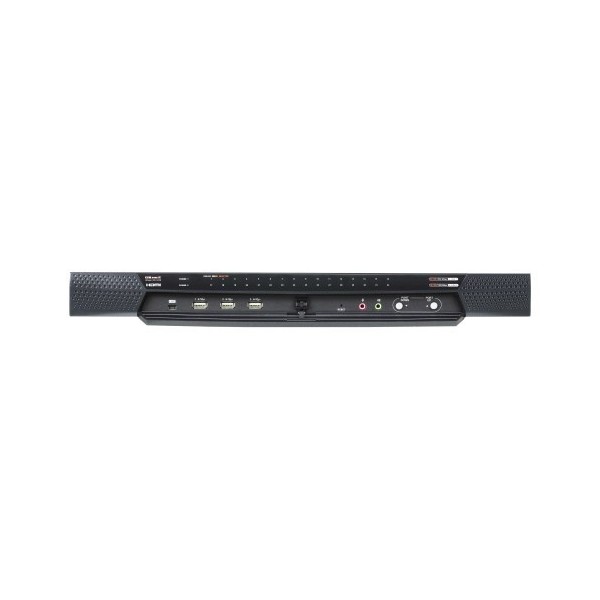
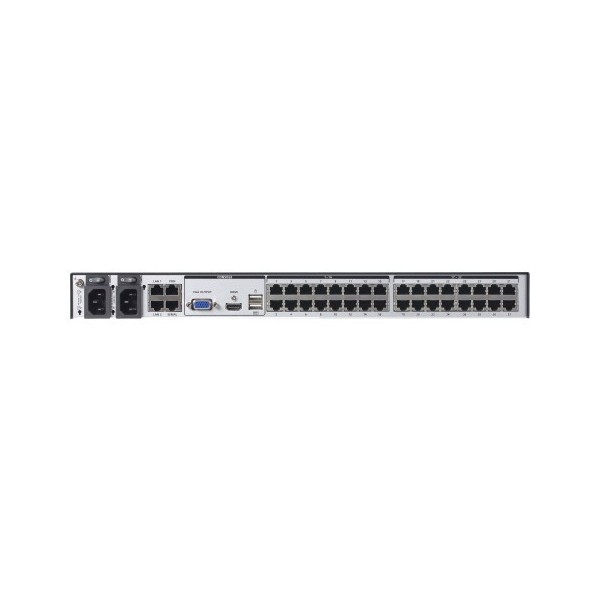
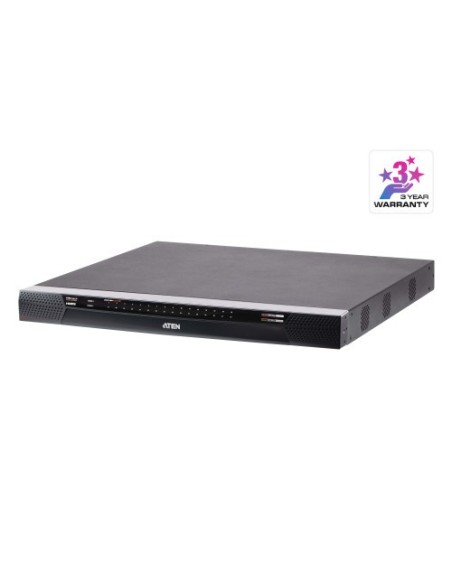
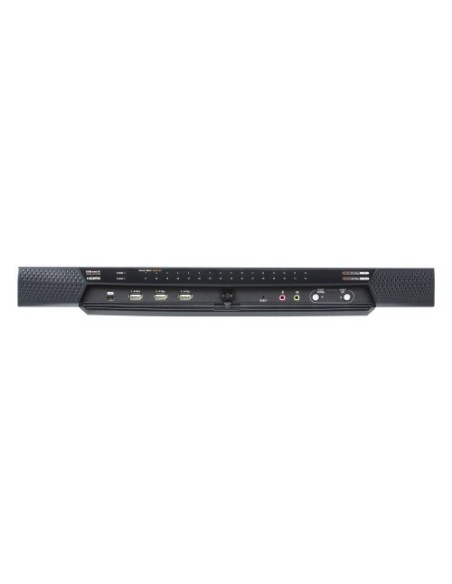
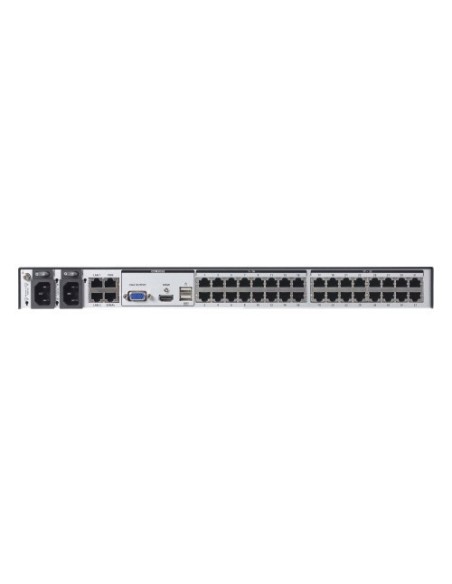
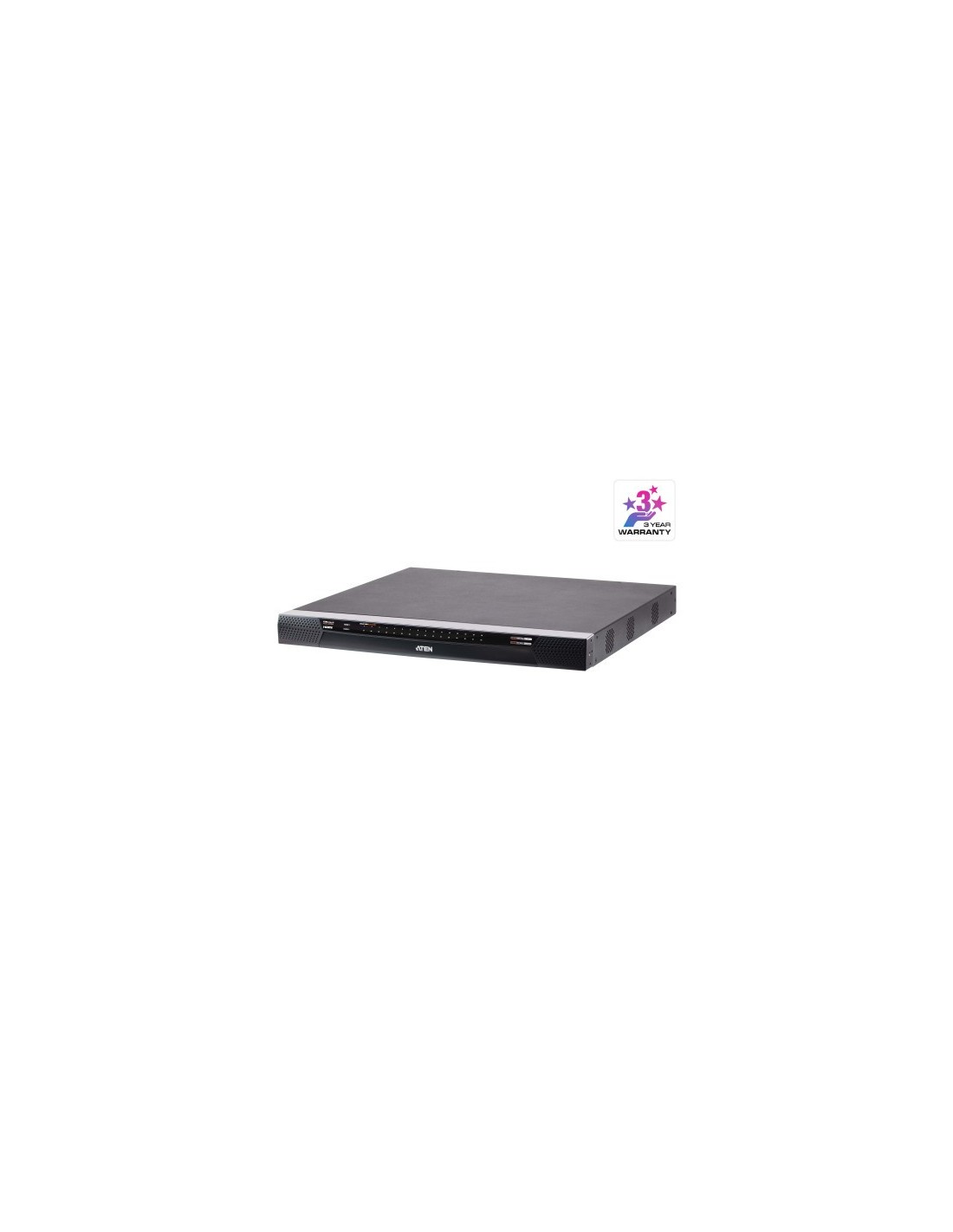
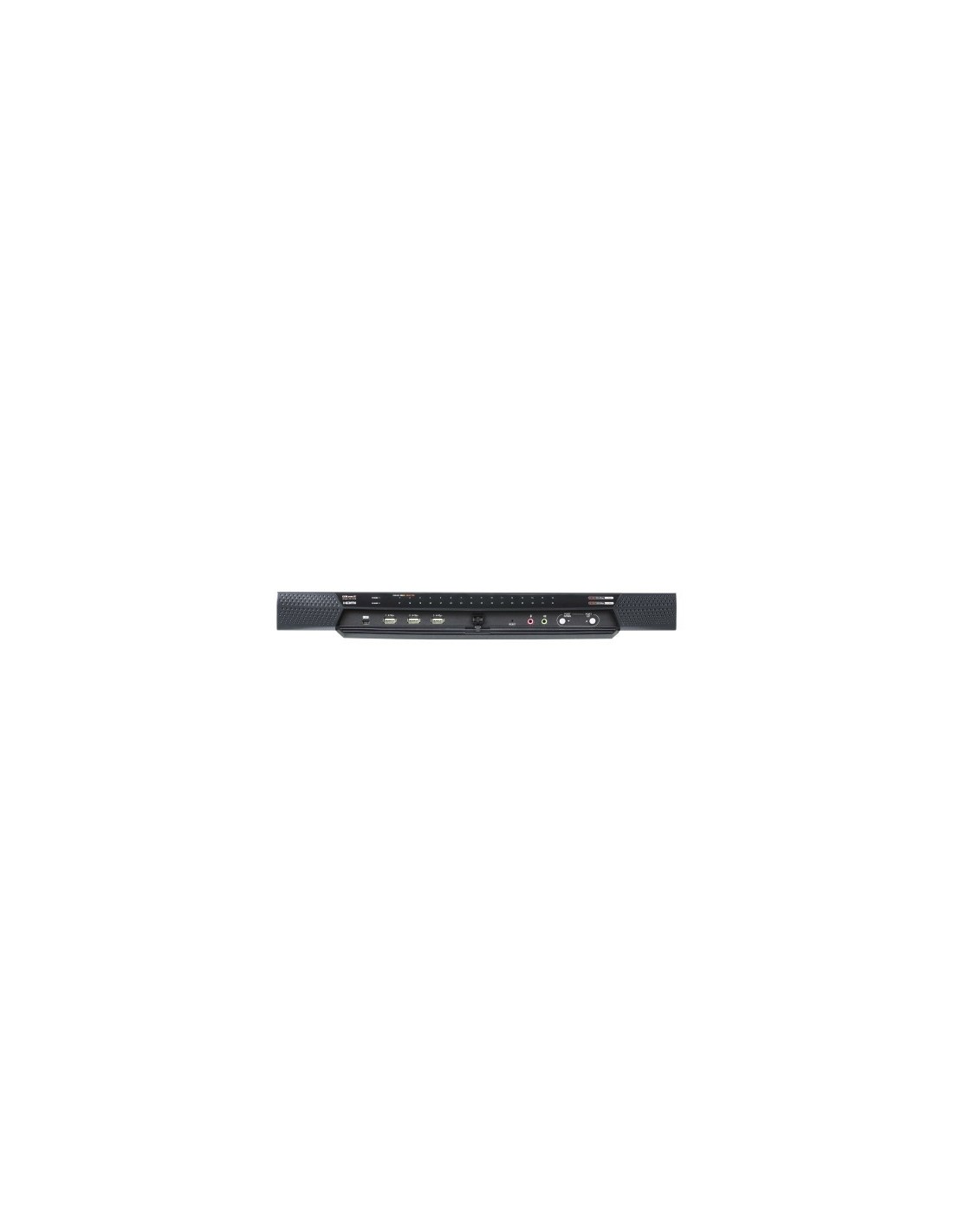
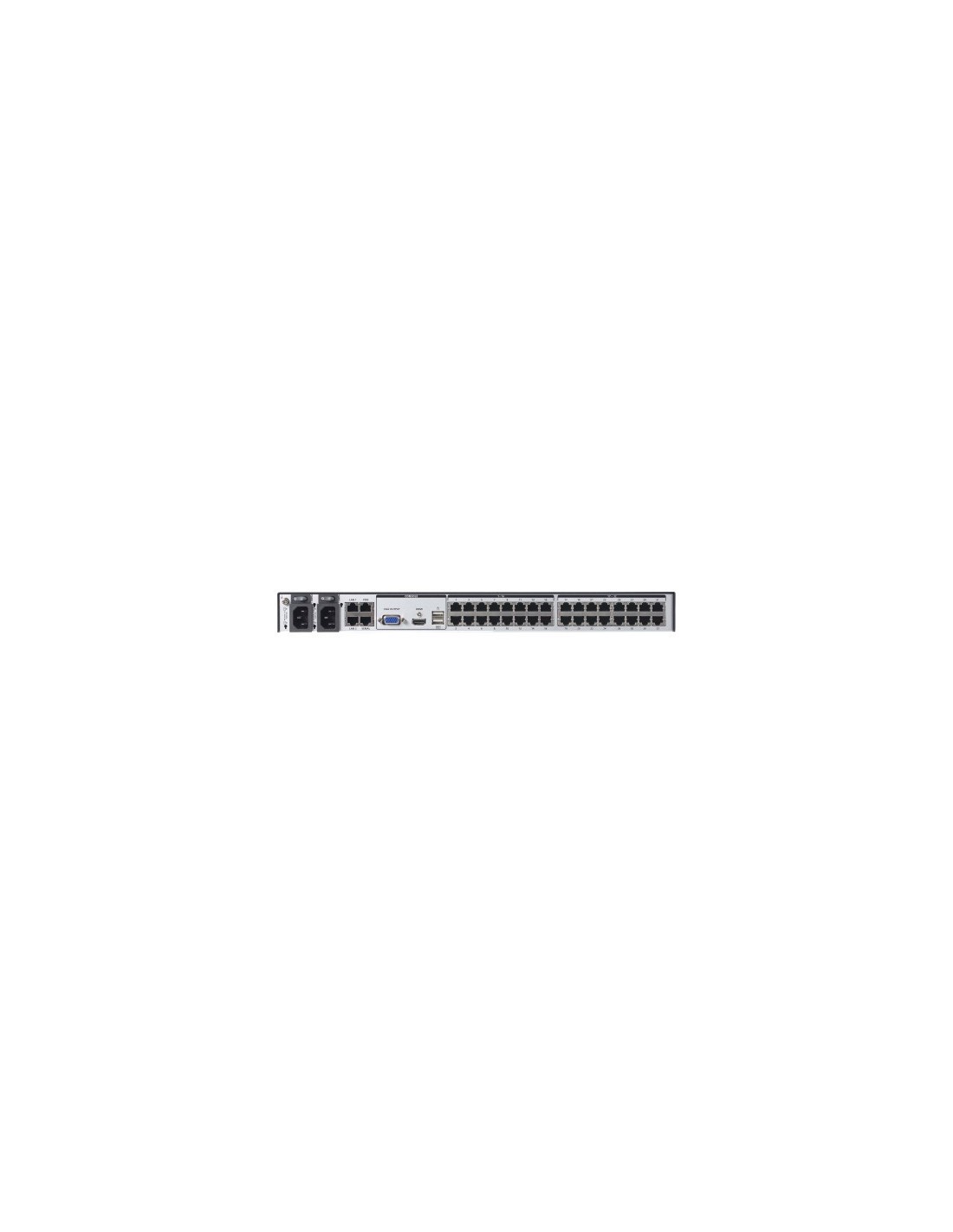

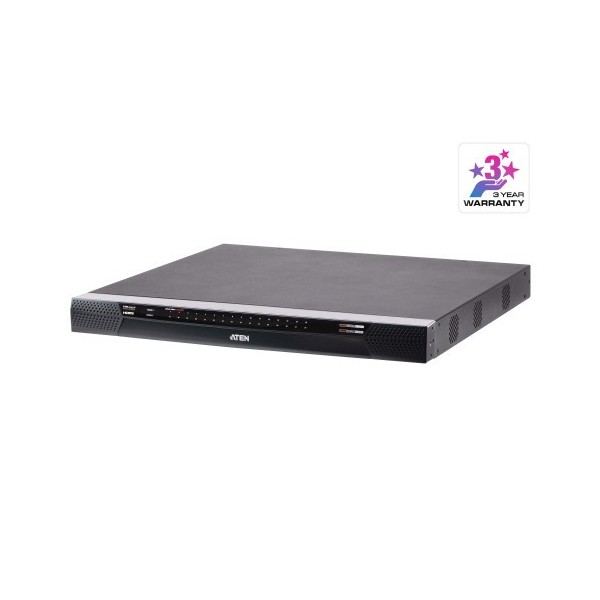
ATEN KN1132VB-AX-G ATEN 1-Local/1-Remote Access 32-Port Multi-Interface Cat 5 KVM over IP Switch
1384929
KN1132VB-AX-G
DISCOUNTS AND LOWEST PRICE GUARANTEED: ASK US IN THE CHAT
OUT OF STOCK - Stock on the way or available on backorder. Contact us for lead time or alternatives.
-24%
€9,993.52
€7,595.08
(tax incl.)
Time remaining
Why buy ATEN 1384929 at Darkcoon
Best price guaranteed, official distributor of top brands, specialized technical support, fast shipping throughout Europe, official 3-year warranty, and Trusted Shops protection.
The KN1132VB KVM over IP Switch provides local console and remote over-IP access so users can monitor and access their entire data center over a network. The KN series offers superior FHD video resolution up to 1920 x 1200, dual-speed Virtual Media transmissions, FIPS 140-2 Level 1 security standards by using an integrated FIPS 140-2 certified OpenSSL cryptographic module. Equipped with two built-in NICs, the KN series is designed to ensure the reliability and availability of remote access to all servers. The KN series can be accessed remotely via WinClient / JavaClient* on a console from a separate location for management and operation. ATEN also provides an iOS app - PadClient, whose intuitive interface makes it easy to connect to the KVM over IP switch and control computers directly from the user's iPad. Visit the PadClient webpage for more information. This KVM switch provides out-of-band access with external modem support for BIOS-level troubleshooting when the network is down. It allows IT administrators to manage network devices (e.g., server, storage, router and switch) in server rooms through management networks independent of the main / production networks. If there are difficulties accessing network devices through the production network, administrators can still access them through the KVM switch. The KVM switch offers various out-of-band access methods, such as a direct console connection from a local computer, a USB console connection from a laptop, a PSTN connection via modem, or a dedicated management network connection via the Ethernet (LAN) port. The KN series can be integrated into ATEN CC2000 Centralized Management Software. CC2000 offers an improved user experience and advanced usability. By using consolidated data, task-based navigation and simplified menus, administrators can access, configure and manage all IT equipment with ease. The KN series is compatible with ATEN KVM over IP Console Station, the KA82 series. The KA82 series is a standalone console that replaces the PC or NB, allowing users to remotely access, monitor and control all servers connected to the ATEN KN series with impenetrable security against virus threats. It is especially suitable for environments where the use of a PC is not allowed. In addition, the KN series works with ATEN PDU remote power management systems from the KVM over IP Switches user interface. Other exclusive features of the KN series are Message Board, Panel Array Mode, Mouse DynaSync™ and the ID Adapter. ATEN KVM over IP Switches save users time and money by enabling administrators to manage their data centers from virtually anywhere, minimizing travel costs and MTTR (mean time to repair) and ensuring maximum availability of data center services. Note: We recommend using the WinClient or JavaClient application for more robust management and control. Performance and usage may vary depending on the user's hardware configuration. A minimum of 8 GB of RAM, a dual-core CPU, and an OpenGL-compatible graphics card are required. Please also make sure the browser is the latest version.
See delivery conditions
Right of withdrawal
You have 14 calendar days to withdraw from your purchase, without providing any reason. More information
The KN1132VB KVM over IP Switch provides local console and remote over-IP access so users can monitor and access their entire data center over a network. The KN series offers superior FHD video resolution up to 1920 x 1200, dual-speed Virtual Media transmissions, FIPS 140-2 Level 1 security standards by using an integrated FIPS 140-2 certified OpenSSL cryptographic module. Equipped with two built-in NICs, the KN series is designed to ensure the reliability and availability of remote access to all servers. The KN series can be accessed remotely via WinClient / JavaClient* on a console from a separate location for management and operation. ATEN also provides an iOS app - PadClient, whose intuitive interface makes it easy to connect to the KVM over IP switch and control computers directly from the user's iPad. Visit the PadClient webpage for more information.
This KVM switch provides out-of-band access with external modem support for BIOS-level troubleshooting when the network is down. It allows IT administrators to manage network devices (e.g., server, storage, router and switch) in server rooms through management networks independent of the main / production networks. If there are difficulties accessing network devices through the production network, administrators can still access them through the KVM switch. The KVM switch offers various out-of-band access methods, such as a direct console connection from a local computer, a USB console connection from a laptop, a PSTN connection via modem, or a dedicated management network connection via the Ethernet (LAN) port.
The KN series can be integrated into ATEN CC2000 Centralized Management Software. CC2000 offers an improved user experience and advanced usability. By using consolidated data, task-based navigation and simplified menus, administrators can access, configure and manage all IT equipment with ease.
The KN series is compatible with ATEN KVM over IP Console Station, the KA82 series. The KA82 series is a standalone console that replaces the PC or NB, allowing users to remotely access, monitor and control all servers connected to the ATEN KN series with impenetrable security against virus threats. It is especially suitable for environments where the use of a PC is not allowed. In addition, the KN series works with ATEN PDU remote power management systems from the KVM over IP Switches user interface.
Other exclusive features of the KN series are Message Board, Panel Array Mode, Mouse DynaSync™ and the ID Adapter. ATEN KVM over IP Switches save users time and money by enabling administrators to manage their data centers from virtually anywhere, minimizing travel costs and MTTR (mean time to repair) and ensuring maximum availability of data center services.
Note:
We recommend using the WinClient or JavaClient application for more robust management and control. Performance and usage may vary depending on the user's hardware configuration. A minimum of 8 GB of RAM, a dual-core CPU, and an OpenGL-compatible graphics card are required. Please also make sure the browser is the latest version.
- Number of computers controlled: 32
- Keyboard port type: USB, PS/2
- Mouse port type: USB, PS/2
- Video port type: HDMI/VGA
- Console ports: HDMI, USB A, VGA (D-Sub)
- USB 2.0: 1
- Number of console USB ports: 2
- Audio connection: Yes
- Number of hub USB 2.0 Type-A ports: 3
- Serial port type: RJ-45
- Serial port: 1
- Depth: 433,6 mm
- Height: 44 mm
- Weight: 5,03 kg
- Width: 412,1 mm
- Input voltage: 100 - 240 V
- Power source: AC
- AC input frequency: 50 - 60 Hz
- Input current: 1 A
- Power consumption: 31,7 W
- Operating temperature range: 0 - 40 °C
- Storage temperature range: -20 - 60 °C
- Operating relative humidity: 0 - 80%
- Ethernet: Yes
- Ethernet LAN ports (RJ-45): 2
- Package weight: 7,04 kg
- Package width: 506 mm
- Package depth: 575 mm
- Package height: 130 mm
- Product color: Black
- Housing material: Metal
- LED indicators: Yes
- Push button: Yes
- Daisy-chain capability: Yes
- Hotkeys: Yes
- HD resolution: Full HD+
- Maximum resolution: 1920 x 1200 Pixels
- Video bandwidth: 60 Hz
- Firmware upgradeable: Yes
- Scan interval: 1,255 s
- Master carton width: 506 mm
- Master carton length: 575 mm
- Master carton height: 130 mm
- Shipping carton weight: 7,04 kg
- Harmonized System (HS) code: 84718000
- Country of origin: Taiwan
- Video port type
- HDMI/VGA
- Number of computers controlled
- 32
- Keypad port type
- USB, PS/2
- Mouse port type
- USB, PS/2
- Console ports
- HDMI, USB A, VGA (D-Sub)
- Number of HDMI ports on the console
- 1
4710469342189
KN1132VB-AX-G
Tap to zoom