

 Español
 Português PT
 Deutsch
 Italiano
 Français
 Català
Shopping cart





- Promotion
VIDEOWALL, DIGITAL SIGNAGE, INTERACTIVE DISPLAYS AND DECODERS

DISCOUNTS AND LOWEST PRICE GUARANTEED: ASK US IN THE CHAT
Best price guaranteed, official distributor of top brands, specialized technical support, fast shipping throughout Europe, official 3-year warranty, and Trusted Shops protection.
Digital signage and remote monitor management - Compatible with all Hisense models - Comprehensive web-based management (Cloud service) - Annual license for one device
See delivery conditions
Digital signage and remote monitor management - Compatible with all Hisense models - Comprehensive web-based management (Cloud service) - Annual license for one device
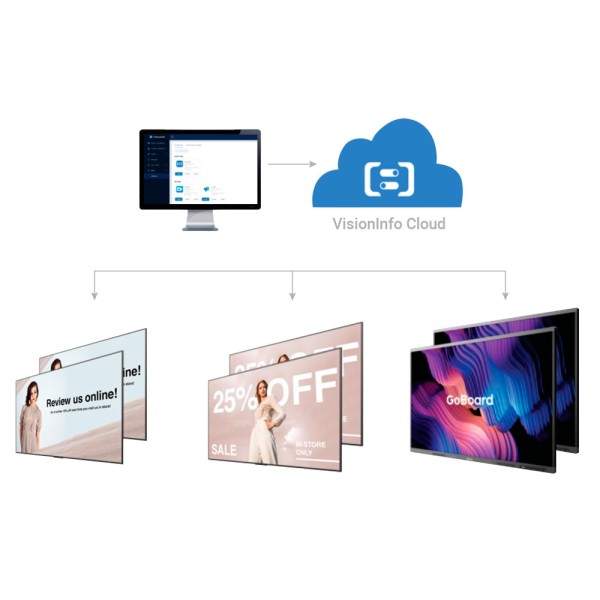
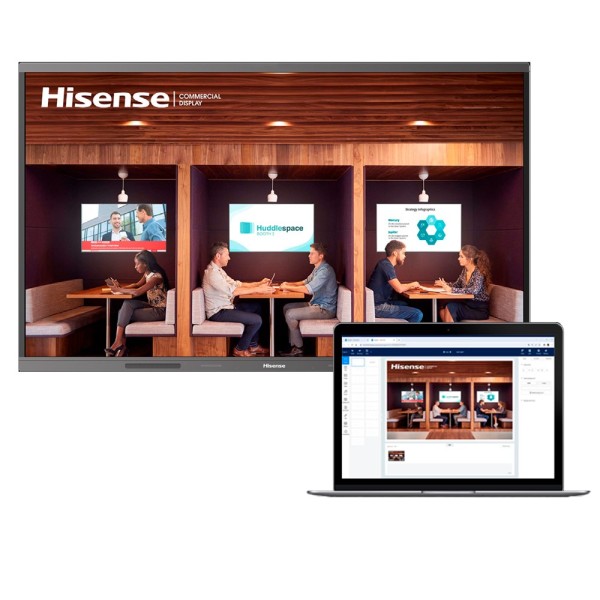
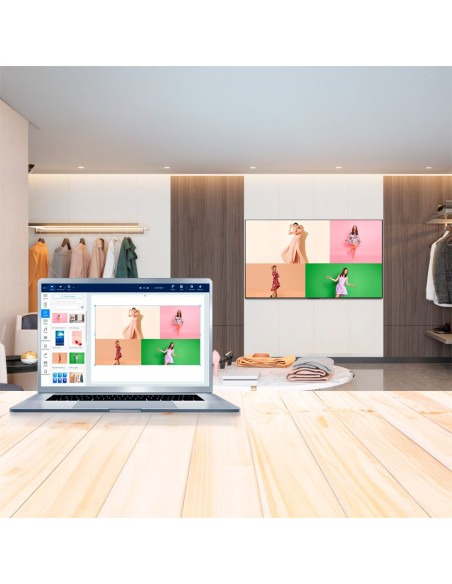
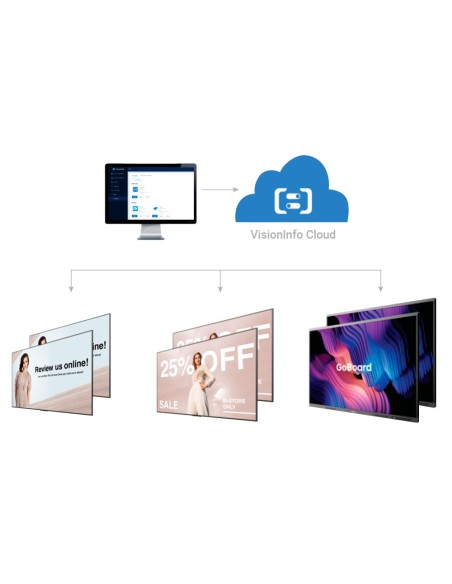
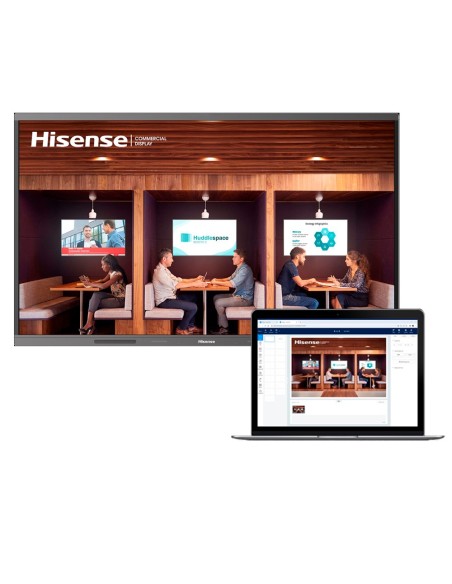
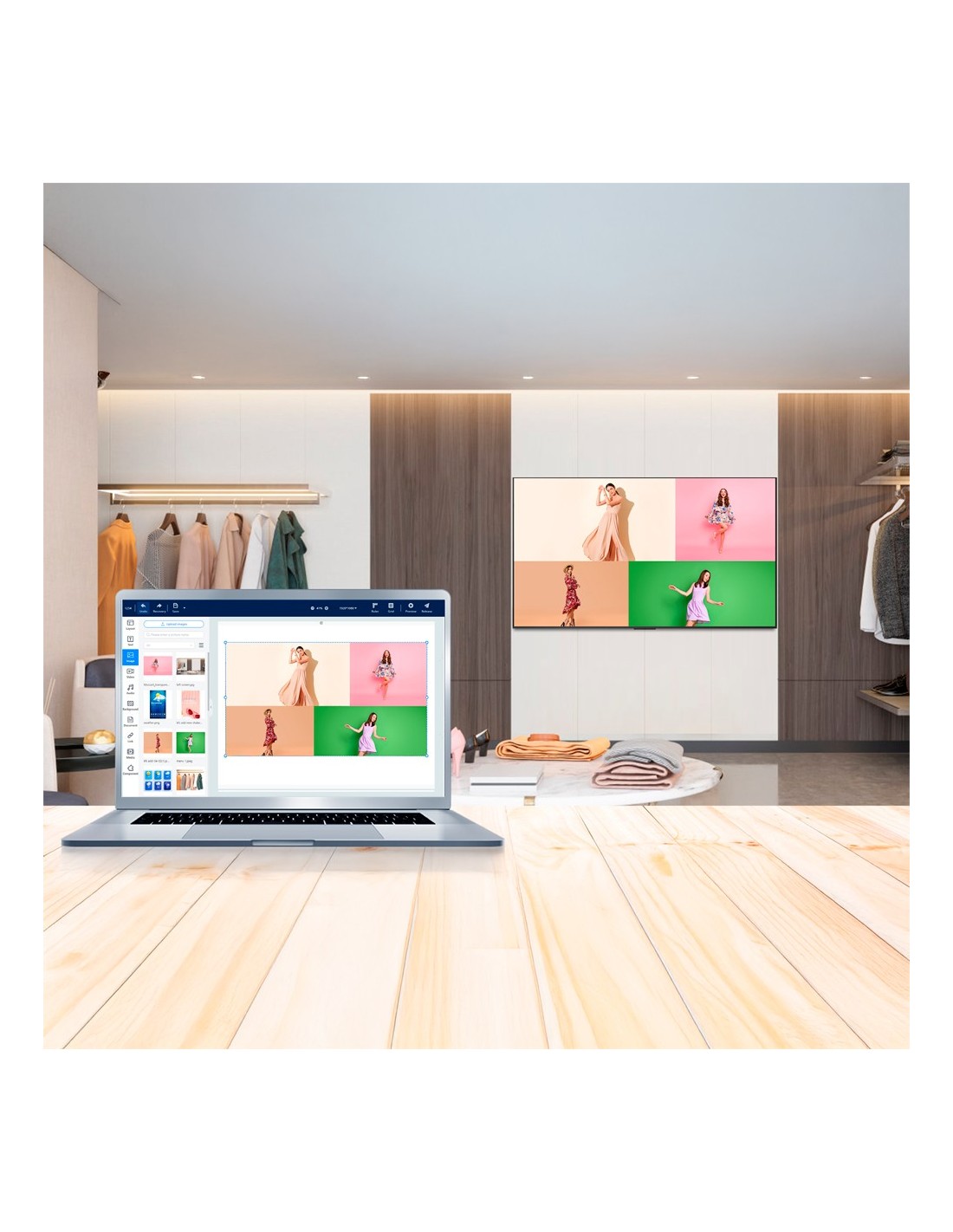
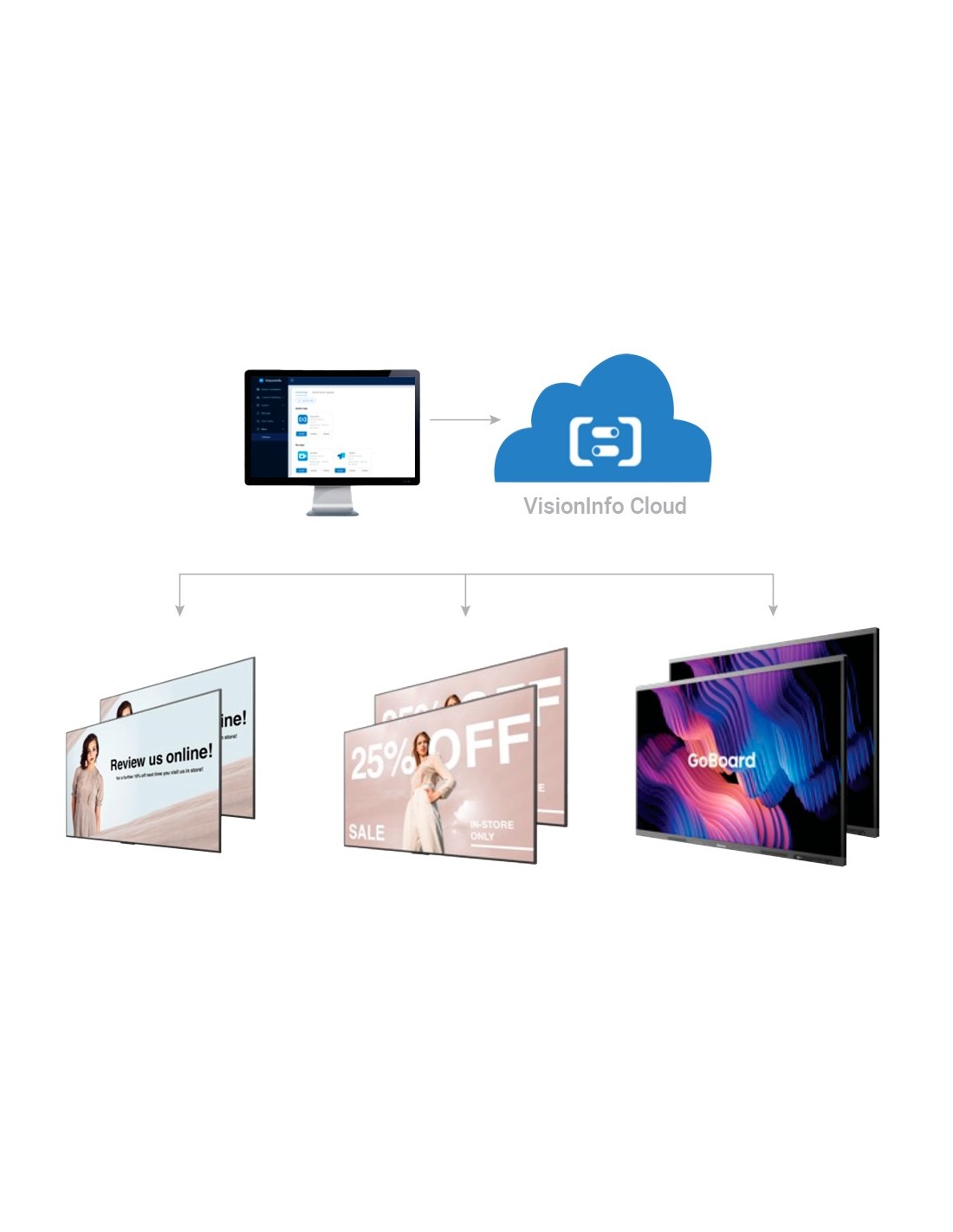
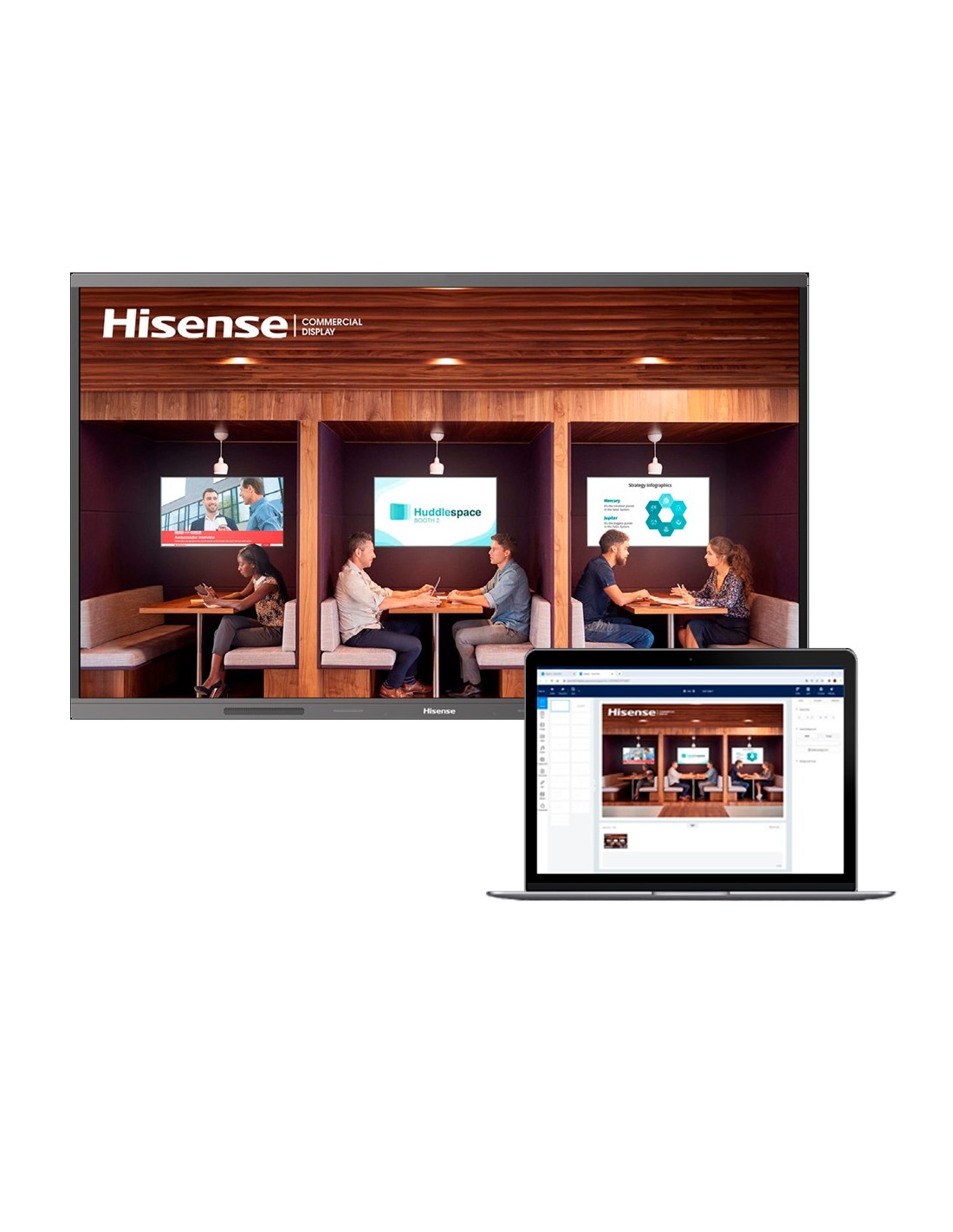
Hisense VisionInfo is a cloud-based digital signage software exclusive to Hisense monitors that combines intuitive and flexible content creation, editing and publishing (CMS) with powerful remote management and monitoring tools, allowing you to manage your entire digital signage environment easily, from anywhere and at any time, simply by accessing through a web browser.
The VisionInfo Cloud Standard license enables use of the software for one year on one Hisense monitor and allows remote monitoring and management, including task scheduling and error reports, as well as editing, defining publishing calendars and playing content up to 4K resolution. This content can be edited and published easily thanks to its powerful web-based tool, and will continue playing even if devices are disconnected, ensuring maximum impact and reach of the content.
SPECIFICATIONS:
| Brand | Hisense |
| Compatibility | All Hisense digital signage and interactive monitors |
| Tool access | Web browser |
| Supported content | Image, video, audio, text, documents (Word PPT. PDF, Excel), live streaming, widgets. |
| Maximum content resolution | 4K (3840x2160px) |
| Content editing | Intuitive interface, supports drag and drop |
| Content templates | Various predefined templates, supports creating custom templates |
| Content publishing | Calendar creation, content prioritization. Allows requiring approval before publishing content |
| Content upload and management | Local hard drive or OneDrive. Allows organizing content into different folders |
| P2P content download | Allows one of the devices on the network to download the content from the server and distribute it to the rest, optimizing bandwidth and distribution time |
| Offline content playback | Ensures the device displays content even in case of network disconnection |
| Content synchronization between monitors | Not supported with Standard license, requires Pro license (HIS-VNF-PRO) |
| Creation of symmetric or anamorphic videowalls | Not supported with Standard license, requires Pro license (HIS-VNF-PRO) |
| Available statistics | Device performance, content playback |
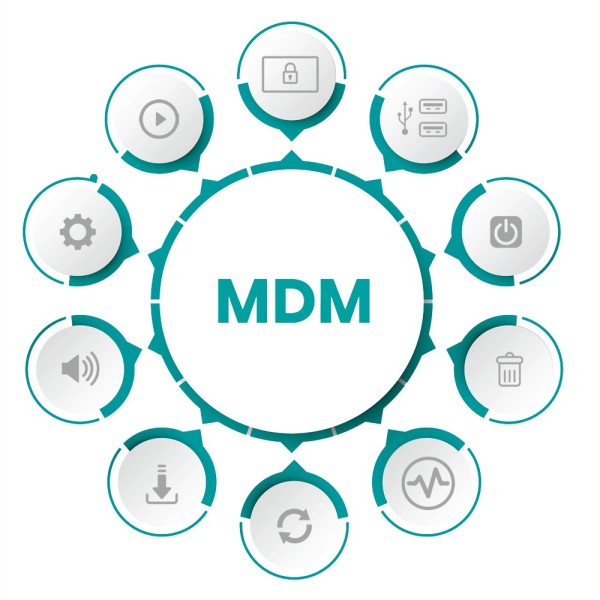
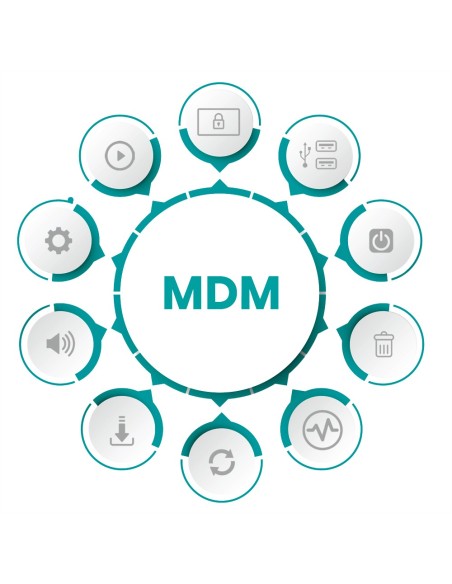
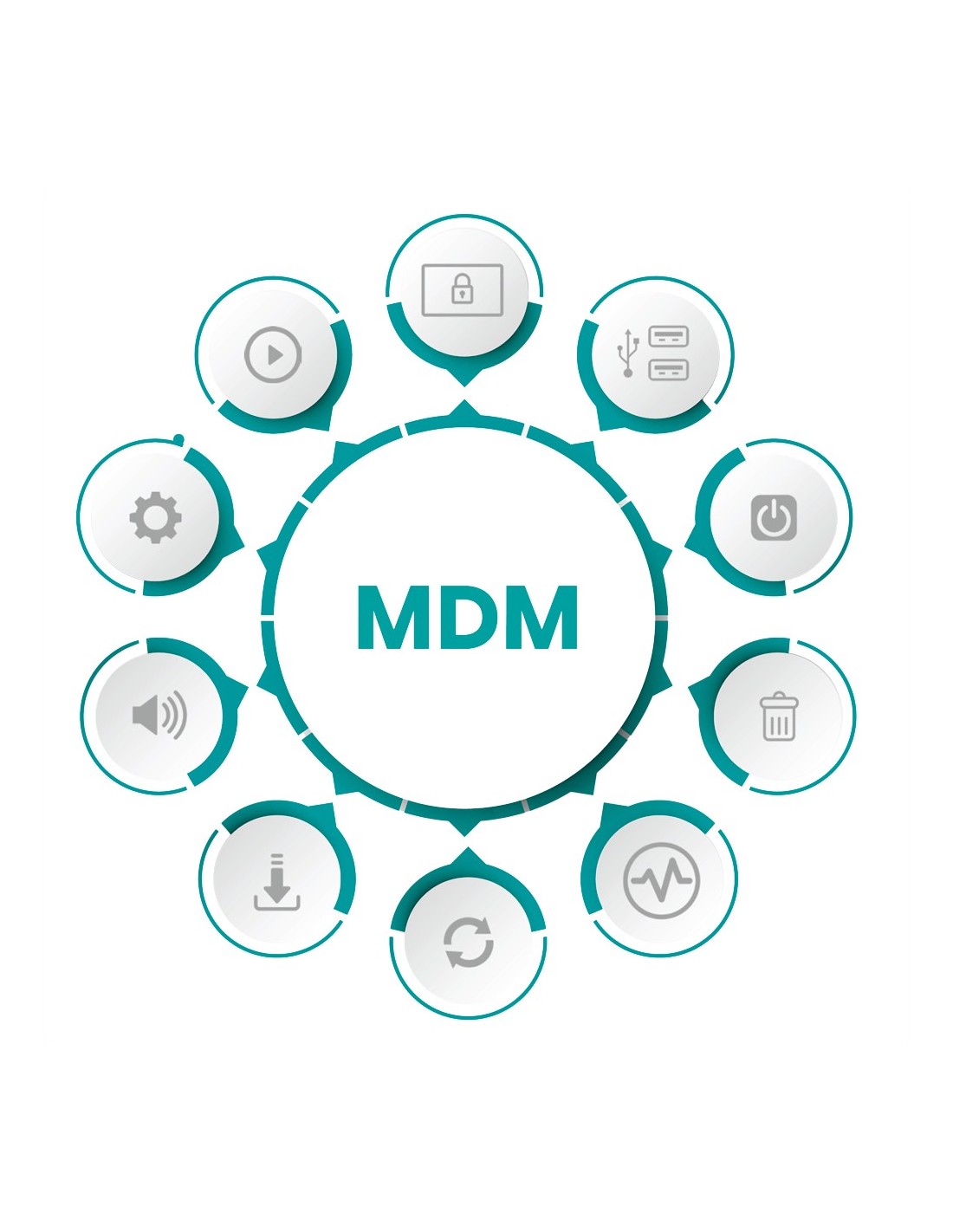
| Remote device management | Power off/on, enable and disable sleep mode, reboot, input source change, language and time zone settings, image and menu rotation, virtual remote control, content cleanup, volume control, USB port lock |
| Remote monitoring | Live view of the content displayed on the device, screenshots |
| Remote management task scheduling | Allows defining a task schedule such as power off/on, sleep, taking a screenshot, input source adjustment, volume adjustment, and screen or USB port lock and unlock |
| Remote management of device software | Not supported with Standard license, requires Pro license (HIS-VNF-PRO) |
| Error alerts and notifications | Allow you to quickly identify and react to different device failures, such as unexpected disconnections, long periods without connection, upcoming expiration of published content, CPU load or temperature, or RAM capacity or internal storage |
| Hierarchical organization | Supports different user profiles and roles. Allows creating infinite levels of nested hierarchy within the organization. Ability to organize devices into different spaces and groups |
| User access | User, password and security code, or with Google account |
| Certifications | ISO27001, ISO27701 |
CONTENTS:
You may also like